Is Webpage to PDF free to use?
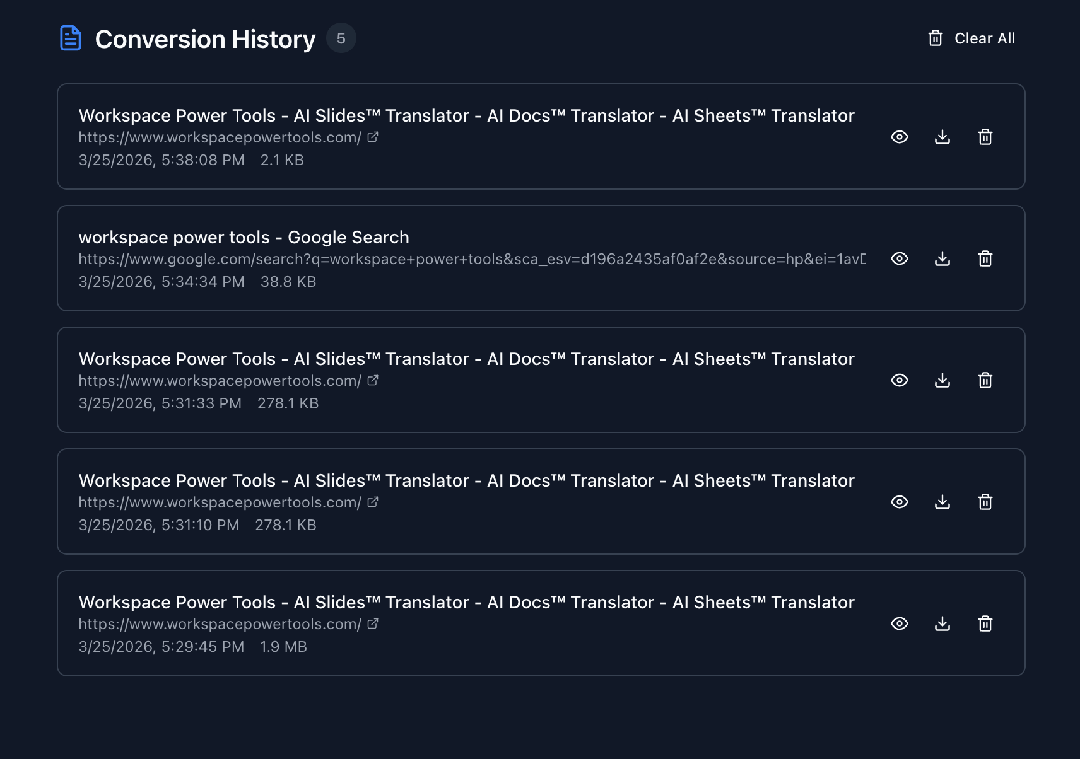
Yes. The free plan includes unlimited PDF exports with a small logo watermark, 3 paper sizes, and the last 10 conversion records. No credit card is required. Upgrade to Pro to remove the watermark and unlock all 10 paper sizes.
What are the three export modes?
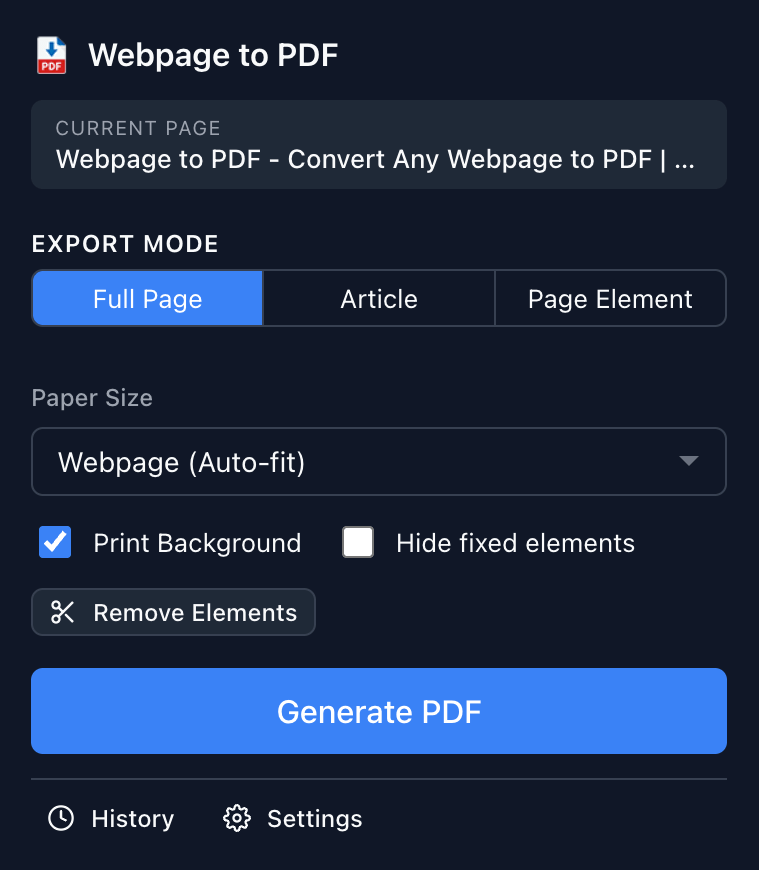
Full Page captures the entire webpage including lazy-loaded content. Article mode uses Mozilla Readability to extract only the main content, stripping ads and navigation. Element Selection lets you hover and click to pick specific DOM elements to export.
Does it work on all websites?
Webpage to PDF works on virtually any publicly accessible webpage. Some sites with heavy DRM or login-protected content may have limited support. The extension processes everything locally in your browser.
Is my data safe and private?
Absolutely. All PDF conversion happens locally in your browser. No webpage content is ever uploaded to external servers. Your browsing data and converted PDFs stay entirely on your device.
Can I remove ads and popups before exporting?
Yes. Click on any element to hide it before converting — ads, sidebars, cookie banners, popups, and more. Use Ctrl/Cmd+Z to undo any removal. This lets you create clean, professional PDFs every time.
What paper sizes are supported?
The free plan includes A4, Letter, and Webpage (original page dimensions). Pro unlocks all 10 sizes: A3, A4, A5, Letter, Legal, Tabloid, B5, and more, plus orientation, margin, and scale controls.
Does Article mode support code syntax highlighting?
Yes. Article mode includes built-in syntax highlighting for 15+ programming languages including JavaScript, Python, Java, C++, and more. This makes it ideal for saving technical documentation and tutorials.